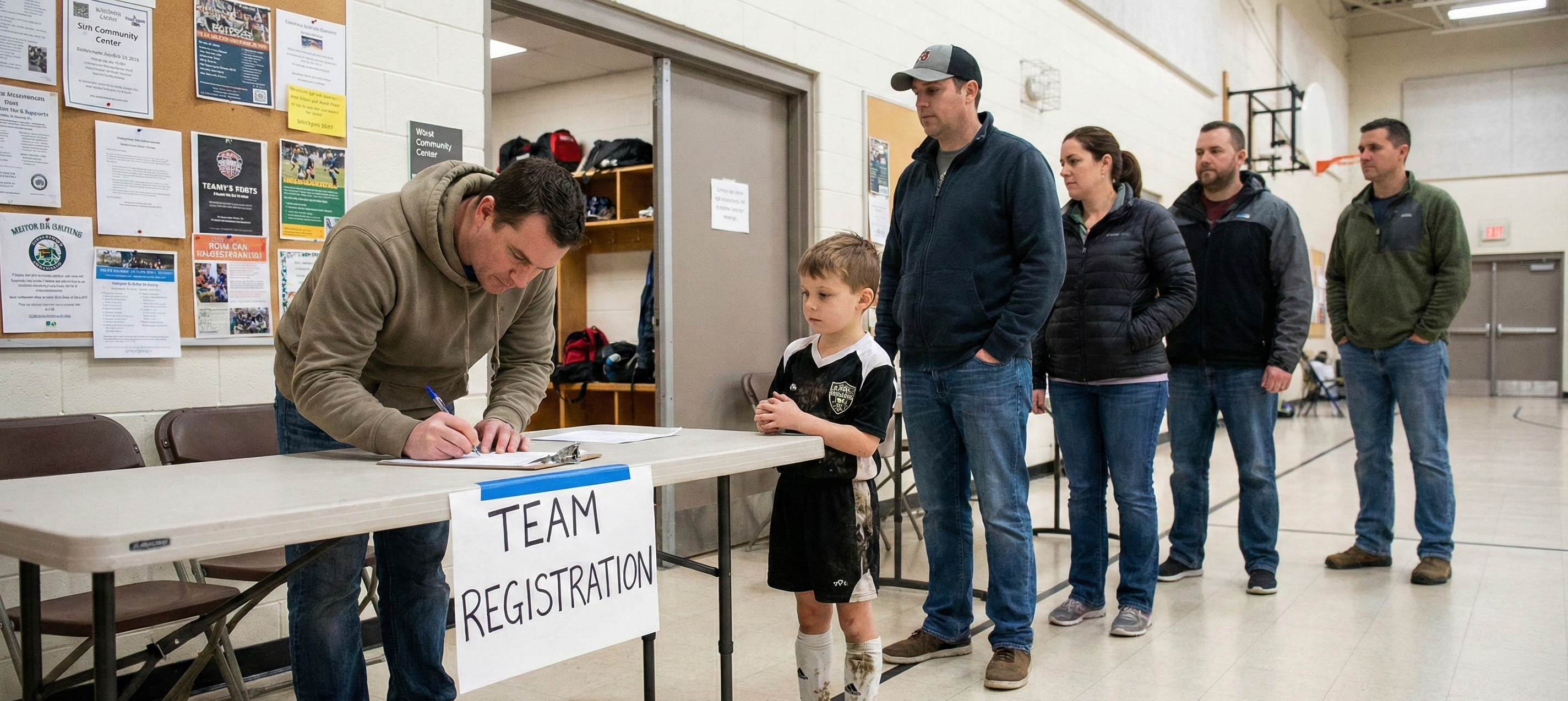
Registration season brings both excitement and stress for youth sports coordinators. It's great to see families signing up, but it also means dealing with lots of emails, tracking payments, missing forms, and the usual "I thought I registered!" questions.
But it doesn't have to be so difficult. Today's player registration software can turn a long, stressful process into something much easier. Here's how you can set up a registration system that works for everyone.
Moving Beyond Paper Forms
If you're still using paper registration forms, you're making things much harder for yourself. Paper forms require manual data entry, can be hard to read, may have missing information, and are easy to lose or damage.
Many families now prefer online registration. Parents can sign up from their phones, even while waiting at practice. They can save their progress and finish later. The system also checks that all required fields are filled in before they submit.
When building your online registration form, think carefully about what information you actually need. Keeping forms short helps improve completion rates. Focus on essentials:
Player Information:
- Full legal name
- Date of birth
- Grade in school
- Gender (if relevant for team placement)
- Previous experience level (if needed for divisions)
Parent/Guardian Information:
- Primary and secondary parent names
- Email addresses
- Phone numbers
- Emergency contact who isn't a parent
Practical Details:
- T-shirt or jersey size
- Any number preferences or requests
- Carpool availability
- Medical conditions or allergies coaches should know about
Leave extra questions for a survey after registration. The main goal is to help families sign up quickly and easily.
Streamlining Payment Processing
Payment collection is where registration processes often break down. Checks get lost in the mail. Parents forget to include their child's name. Cash goes missing. You spend hours reconciling payments against registrations.
Online payment processing solves these problems. Families can pay by credit card or bank transfer when they register, and the payment is matched to their registration automatically. You won't have to chase payments or guess who still owes money.
When setting up your payment structure, consider these options:
Payment Plans: Some families can't pay $150-200 all at once. Offering payment plans can help families manage costs. You'll need to track several payments per player, but registration software can do this for you.
Early Bird Discounts: Offering early registration discounts can encourage sign-ups. This helps you plan and makes sure you have enough players before you pay for fields and equipment.
Sibling Discounts: Many families have more than one child playing. Sibling discounts are a common practice that rewards loyal families and can increase registrations.
Late Fees: Charging a small late fee, like $10-15, encourages families to register on time and helps cover the extra work that late registrations cause.
Be clear about your refund policy. What if a player is injured before the season starts, or changes their mind? A clear policy helps avoid problems later. Some leagues retain a portion of fees to cover processing costs and refund the rest if the player withdraws before teams are set.
Handling Waitlists Effectively
Popular leagues and age groups fill up quickly. Once you reach your limit, you need a waitlist system that is fair and easy to understand.
Your waitlist should automatically activate when a division reaches its player cap. Families attempting to register should immediately see that they're being added to a waitlist, not a guaranteed spot. Make sure they understand:
- Their position on the waitlist
- How many players ahead of them
- When they'll likely hear about an opening
- Whether they need to pay to hold their spot (most leagues don't require payment while waitlisted)
When a spot becomes available, contact families on the waitlist in order. Give them a deadline to reply, such as 24-48 hours, then move to the next family if they say no or don't answer.
Some leagues keep separate waitlists for each age group, while others use one master waitlist. Division-specific waitlists are more complicated but fairer, because a spot in the 8U group doesn't help a family with a 10-year-old.
Keep track of why families drop out. If many leave because of cost, consider changing your prices or offering more flexible payments. If timing is the problem, ask families about their preferred game days before planning next season.
Managing Age Verification
Age disputes can cause big problems in a league. Parents may accuse coordinators of favoritism if younger-looking kids play in older groups, or if a very skilled player dominates their division.
You can avoid confusion by requiring age verification during registration. Ask for birth certificates, passports, or government-issued IDs as proof. Most registration software lets families upload these documents, so you don't have to handle paper copies.
Be absolutely clear about your age cutoff date. Many leagues use April 30th or August 1st as the determination date, meaning a child must be a certain age by that date to play in a division. Whatever date you choose, communicate it clearly and enforce it consistently.
Sometimes families will request a child to play in a different division. Have a clear rule for this. Playing up, where a younger child joins an older group, is usually fine with parental permission. Playing down is usually not allowed in recreational leagues because it can make teams uneven.
Collecting Medical Waivers and Liability Forms
Every player must have a signed liability waiver before they can play. This is required by your league's insurance and is important for legal protection.
Medical information forms are just as important. Coaches need to know about conditions like asthma, diabetes, allergies, or seizure disorders in case of emergencies.
Digital waivers make this process easy. Parents can sign electronically during registration, and the signed forms are stored safely. You won't have to deal with piles of unsigned forms or rush to collect waivers at the first practice.
Have a lawyer who knows youth sports liability review your waiver. It should include:
- Assumption of risk for sports participation
- Photo and video release for league marketing
- Medical treatment authorization in emergencies
- Transportation release for away games
- Equipment liability
Set up a separate form for medical information that only coaches and board members can access. Keep this information secure, but make sure it's easy to find quickly in an emergency.
Some conditions require additional documentation. If a player has a serious allergy requiring an EpiPen, you'll need instructions from a doctor and confirmation that appropriate medication will be available at all games and practices.
Handling Special Registration Scenarios
Not every registration will be simple. Your system should be ready for unusual situations like these:
Late Registrations: Once teams are set, late sign-ups can be tricky. You may have to add a player to a team or say no. Decide ahead of time how you'll handle this and if you'll charge a late fee.
Mid-Season Registrations: Sometimes families move in after the season starts. If you let them join mid-season, think about charging a fee based on how many games are left.
Scholarship Requests: Help families who need financial support by offering scholarships. Set up an easy, private application process. Many leagues fund these with donations or by adding a small fee to each registration.
Coaching Your Own Child: Most leagues ask parents who want to coach to sign up their child first, then apply to coach. This way, only parents with kids in the league volunteer to coach.
Communicating Throughout Registration
Registration isn't over when families send in their forms. Keeping everyone updated during the process helps avoid confusion and cuts down on emails.
Send an automatic confirmation right after someone registers. Make sure it covers:
- Confirmation that registration and payment were received
- What happens next and when they'll hear from you
- Key dates to remember
- Where to access their registration information
As you get closer to forming teams, let families know what's happening. Tell them if you're still taking registrations, when teams will be announced, and when the season begins.
After teams are formed, provide the coach's contact information promptly. Parents are eager to know who's coaching and when practices start. The faster you connect families with coaches, the better everyone's experience.
Using Technology to Your Advantage
The tools you use can make registration easy or stressful. Using spreadsheets and paper forms means more work, more mistakes, and more frustration for families.
Player registration software like SyncedSport puts everything in one place—forms, payments, waivers, waitlists, and messages. Families use one portal to manage their registration, and you get a dashboard that shows you what's happening at a glance.
Choose software with features that save you time, such as:
- Automatic payment reminders for families on payment plans
- Waitlist notifications when spots open
- Duplicate registration prevention
- Data export for team formation
- Integration with scheduling and communication tools
Getting Registration Right
Registration shapes how families see your league. If the process is smooth and professional, families know your league is organized and reliable. If it's messy, they may have doubts before the season begins.
Spend time now to set up a registration system that works well. Pick the right tools, make clear forms, set fair rules, and keep everyone informed. You'll be glad you did when you're not overwhelmed by emails later.
Want to stop stressing about registration and focus on the kids? Check out how SyncedSport's player registration software takes care of everything—from custom forms to payment plans and waitlists—all in one easy-to-use platform.